
MOV to MP3 Converter Online
Superior Output Quality on Pro Audio Converter
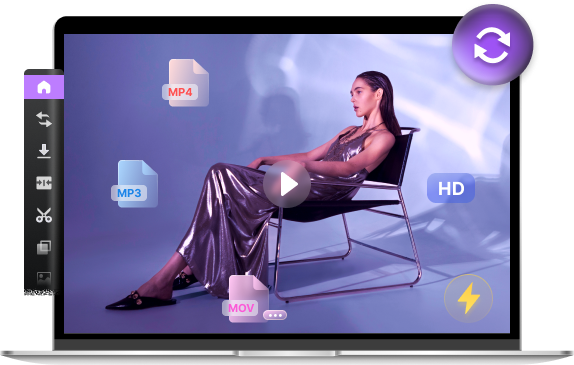


- Convert/compress files between 300+ formats
- Enhance video quality, trim, and crop video
- Save HD videos and music from 1000+ sites
Free MOV to MP3 Converter Online
MOV is a popular video format used by Apple's QuickTime, often containing high-quality soundtracks or voiceovers. However, if you only need the audio for your music player or podcast, keeping the full video file wastes significant storage space. So, how can you extract audio from MOV effortlessly? Our professional MOV to MP3 converter is the ultimate solution! Simply upload your video and get your MP3 in seconds!
How to Convert MOV to MP3?
-

Step 1. Upload MOV Video
Select the MOV file you wish to transform by clicking the "Upload File" button or simply dragging it into the conversion area.
-

Step 2. Set MOV to MP3
Choose MP3 as your target output format from the menu and click the "Convert" button to start the instant processing.
-

Step 3. Save MP3 File
Once the MOV to MP3 conversion is finished, click on the "Download" button to save your high-quality MP3 file to your device.
Why User Love Our MOV to MP3 Converter
-
Secure Video-to-Audio Tool
We prioritize your digital privacy. Our MOV to MP3 converter is protected by SSL certificates, and we follow a strict data clearance policy—all uploaded MOV videos and converted MP3 files are permanently deleted from our servers after 2 hours. It is 100% safe to extract audio here.
-
Online MOV to MP3 Converter
This MOV to MP3 converter is a fully web-based application, meaning you can process conversions directly in your browser. No need to download heavy video editing software or plugins. It works seamlessly on any device, including Windows, Mac, iPhone, and Android.
-
Extract MP3 from MOV for Free
As a high-performance free converter, we offer the ability to change MOV to MP3 without any subscription fees. You can extract high-quality audio from your video clips as many times as you like, enjoying lightning-fast processing with absolutely no cost.
FAQ
-
How do I extract audio from a MOV video for free?
You can use our free online MOV to MP3 converter to extract audio easily. Just upload your MOV video, select MP3 as the output, and hit convert. Our tool will process the video and provide a high-quality MP3 download at no cost.
-
Will the audio quality remain high after converting MOV to MP3?
Yes! Our MOV to MP3 converter uses advanced extraction technology to ensure that the sound quality from your original MOV video is preserved. By choosing a high bitrate, you can get a crisp MP3 file perfect for any player.
-
Can I convert MOV to MP3 on my iPhone or Mac?
Absolutely. Since MOV is a native Apple format, many users need this on Mac and iPhone. Our MOV to MP3 converter is 100% web-based and works perfectly on Safari, Chrome, and all iOS or macOS devices without needing extra software.
-
Is it safe to upload my private MOV videos to this tool?
Your privacy is guaranteed. We use SSL encryption to secure your connection, and both the original MOV and the converted MP3, are automatically deleted from our servers after 2 hours for your safety.
-
How long does it take to convert a large MOV file?
The conversion speed depends on the video size and your internet speed. However, because we use high-speed cloud servers, most MOV to MP3 extractions are finished within seconds, even for longer video clips.
More Popular Conversions
Rate Us Now!
If you like our MOV to MP3 converter, please give us 5 stars.
reviews
Last updated: 2026-03-13
